
1 Philips screwdriver
1 Magnet
2 10mm spanners
Use the screwdriver to open the service box.
Disconnect the wire marked C6 from the battery.
.webp)
Use a 6mm spanner for both the bolts on the top and the bottom.
.webp)
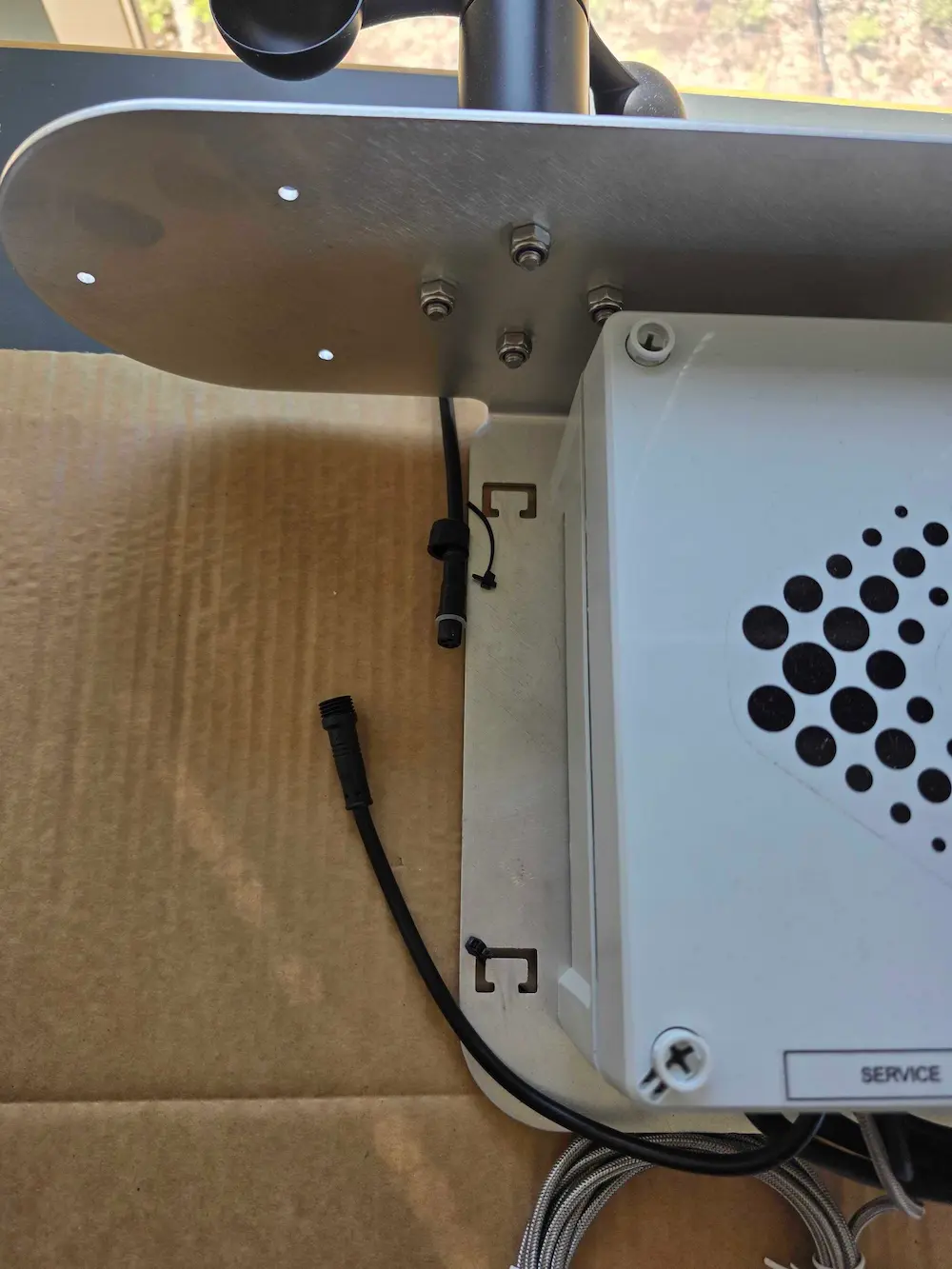
Find the coupling on the cable that runs from the wind sensor to the service box. Unscrew the cap and disconnect the cable.
Connect the C6 wire to the battery once more.
Use the magnet to turn on the weather station by moving the magnet in a circular pattern around the circle on the side of the service box. Once it has been turned on, you will receive data in your app within 10 minutes.
If the weather station doesn't turn back on, repeat the steps 7 to 9 again, and wait at least 30 seconds from you disconnect the battery to you reconnect it.
.webp)