1 Phillips screwdriver
1 Pointed object
1 Magnet
Something to cover the solar panel
Use a jacket or a large piece of paper to cover the solar panel to prevent it from generating electricity.

Twist the battery to remove it from the strips to access the wiring more easily.
.webp)
Press the grey terminal block with a pointed object to remove the red wire. Wait for 1 minute.
-2.webp)
After 1 minute has passed, reinsert the red wire into the grey terminal block. Return the battery to its original spot.
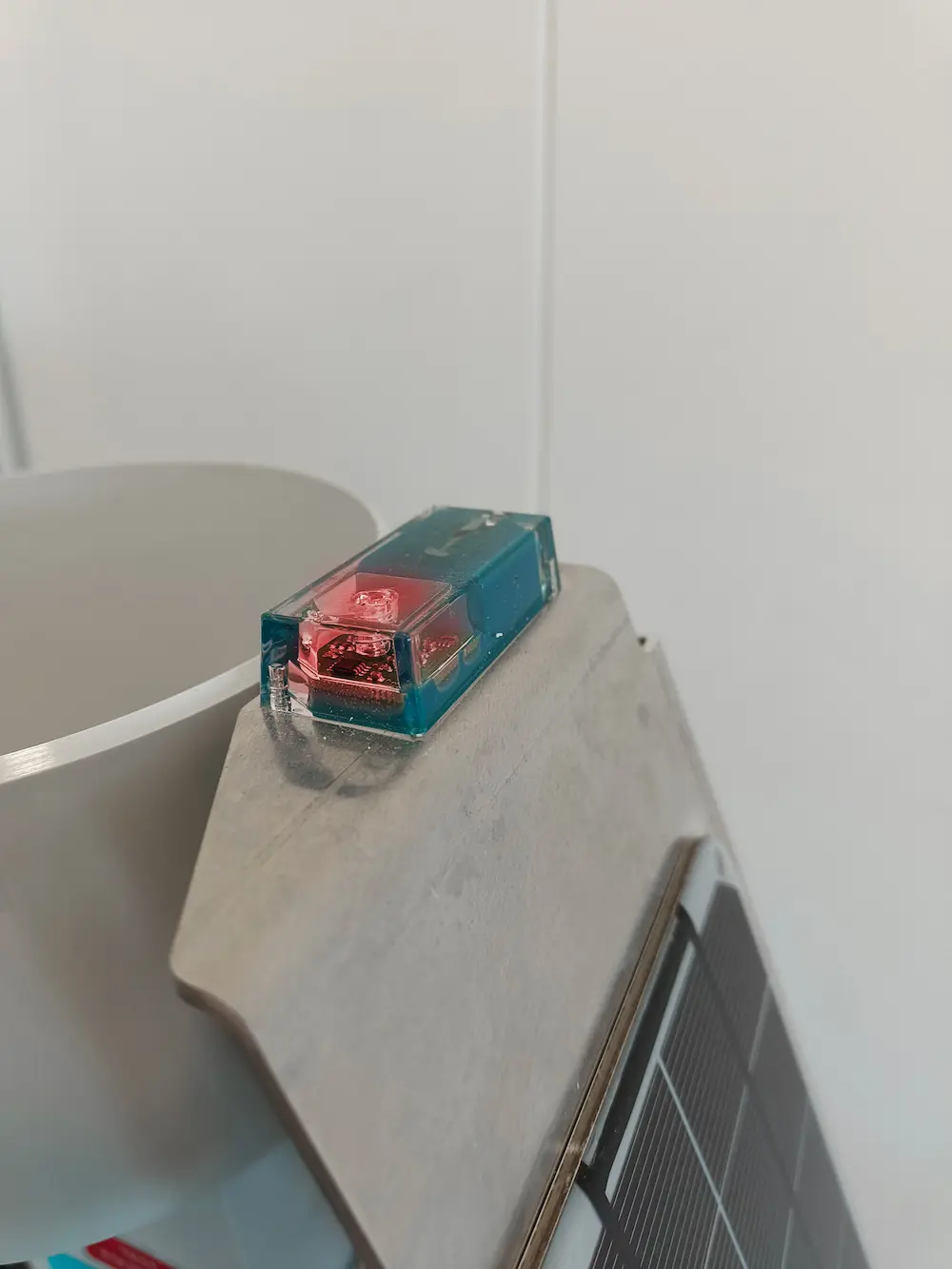
Move the magnet in a circular motion over the activation circle on the side of the service box. Check the diode on the top of the solar panel, if it blinks, you've successfully made a hard reset. If it does not, please start from the beginning again.
You will receive data on your phone again after 10-20 minutes. If you've tried to do several hard resets and it still doesn't work, please contact your first-level support person.